> ## Documentation Index
> Fetch the complete documentation index at: https://moengage-doc-2298-s2s-type-case-sensitive.mintlify.site/llms.txt
> Use this file to discover all available pages before exploring further.
# Delete an element
> Remove unwanted webpage elements during personalization setup using the delete element option in the MoEngage Personalize visual editor.
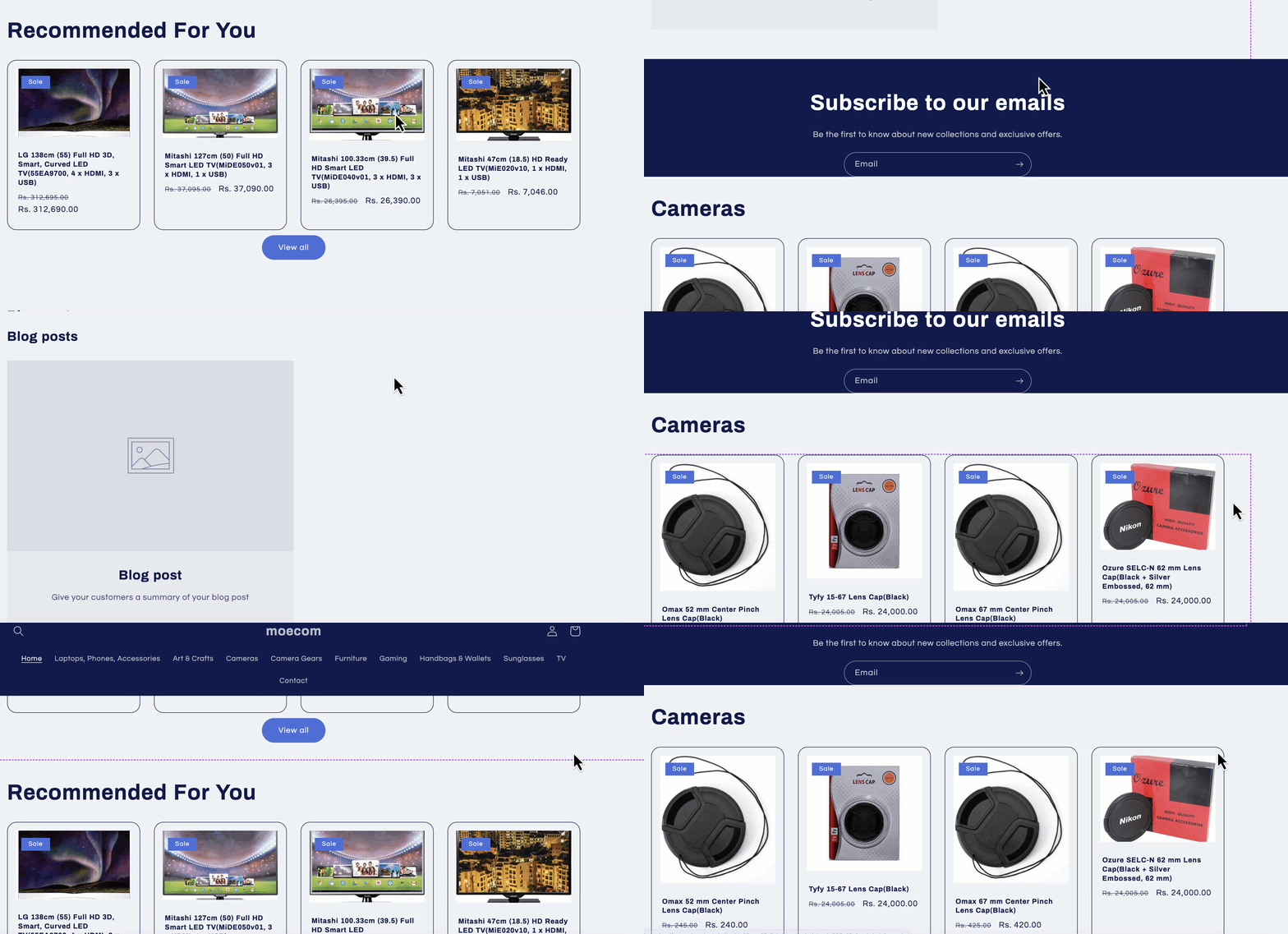
To Delete an element,
* Click on the element to be deleted.
* Select **Delete element**.
When you delete an element on your web page, the element is removed from the DOM.